Introduction
Getting Started
An introduction to WEEMS, its main workspace surfaces, and how projects, canvas, notebooks, and blocks fit together.
On this page
What WEEMS is
On this page
What WEEMS is
On this page
What WEEMS is
WEEMS is designed as a connected workspace for technical work rather than a collection of isolated screens.
The product is centered on project-based scientific and engineering workflows. Instead of treating notebooks, files, analysis tools, and documentation as separate systems, WEEMS keeps them connected inside the same workspace.
The practical mental model is simple: a project holds the working context, canvas is where notebook work happens, notebooks are the active documents inside that space, and blocks are the units you add to build up the analysis.
How to think about the product
If you are new to WEEMS, start by learning the relationship between projects, canvas, notebooks, and blocks. Those four concepts explain most of the workspace behavior.
Projects
Projects organize notebooks, files, search results, permissions, and assistant-driven setup.
Canvas
Canvas is the working surface for notebook content, execution, and navigation.
Notebooks
A notebook becomes the active document you open inside canvas and keep iterating on.
Blocks
Blocks are the building units for code, text, meshing work, and other notebook content.
Main surfaces
Most work begins in one of two places: the project hub or the canvas workspace.
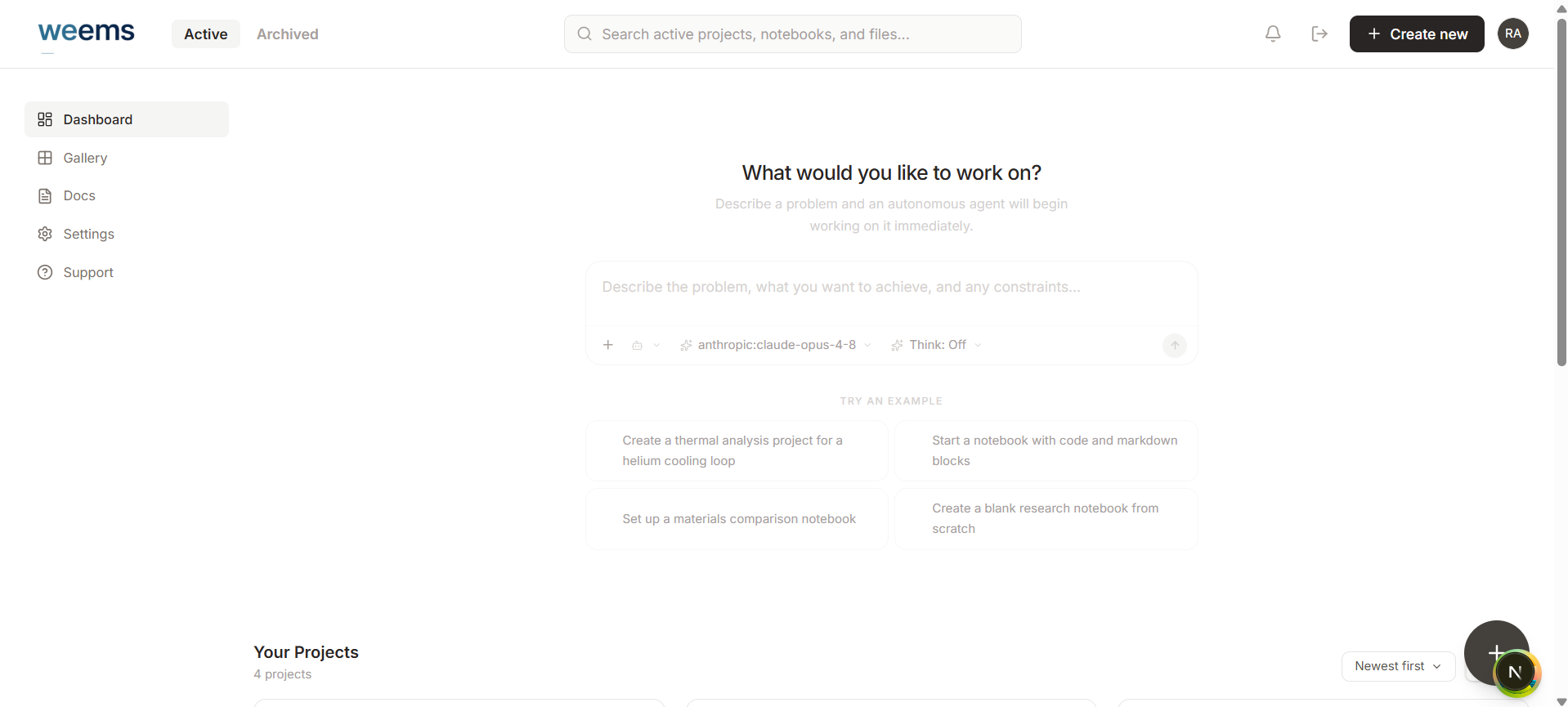
The Projects surface helps you enter the workspace, create new work, return to recent projects, search across content, and manage active versus archived project states.
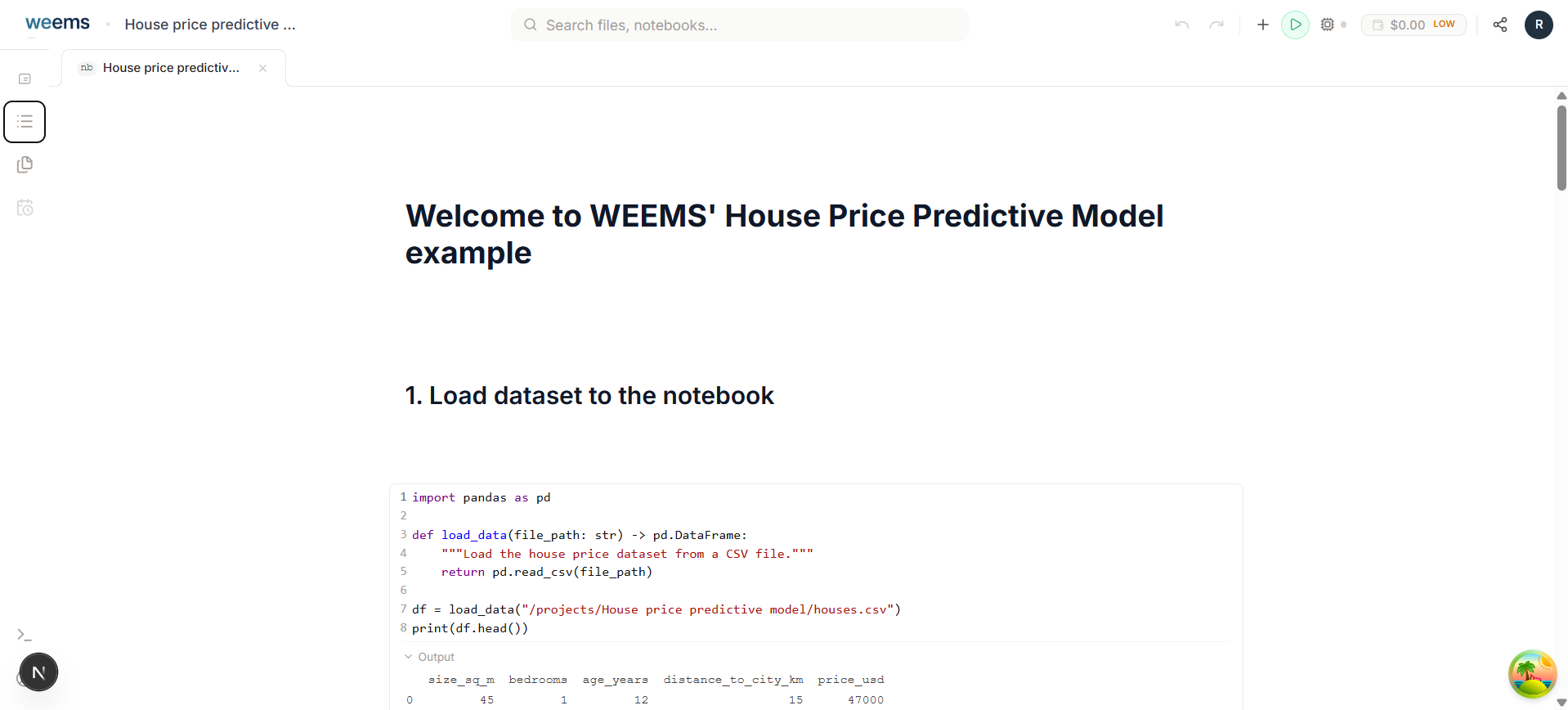
The Canvas surface is where a selected notebook becomes editable and execution-aware. It gives you content editing, file access, navigation, block insertion, and runtime-adjacent tools without forcing you into multiple disconnected interfaces.
Project hub
Use it to create a project, resume recent work, open the assistant, and search across projects, notebooks, and files.
Canvas workspace
Use it when you are actively writing, structuring, or running notebook work inside a project.
Notebooks and blocks
WEEMS uses notebooks as the active document and blocks as the way you build that document.
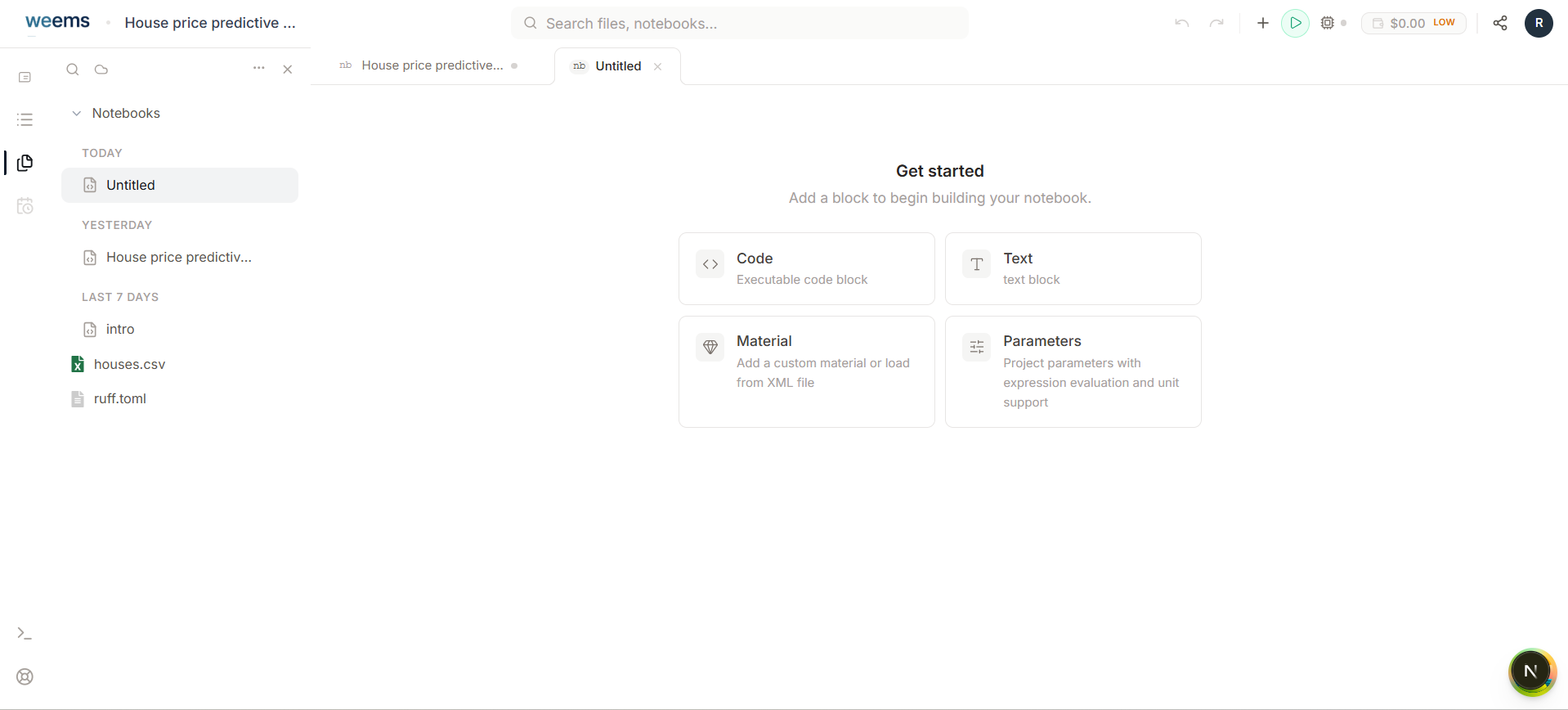
Once you open a notebook, canvas renders it as a sequence of blocks. That structure lets you mix narrative writing, executable code, mesh workflows, and supporting content without flattening everything into one mode.
Block insertion is explicit and discoverable. The workspace supports code and text blocks today, and also exposes more specialized block paths such as Gmsh Mesh and other planned scientific block types.
Typical workflow
A simple way to approach WEEMS is to move from project context into notebook execution in a predictable sequence.
Open or create a project
Start from the project hub so the workspace already knows the context for files, notebooks, and future runs.
Enter canvas through a notebook
Open an existing notebook or create one so canvas can become the active working surface.
Build the notebook with blocks
Use text blocks for narrative structure, code blocks for execution, and specialized blocks when the workflow needs them.
Use side tools only when they help the flow
Reach for files, outline, definitions, materials, machine tools, and assistant guidance as the task demands them.
WEEMS Documentation
Product guides for projects, canvas workflows, and materials reference handoff.